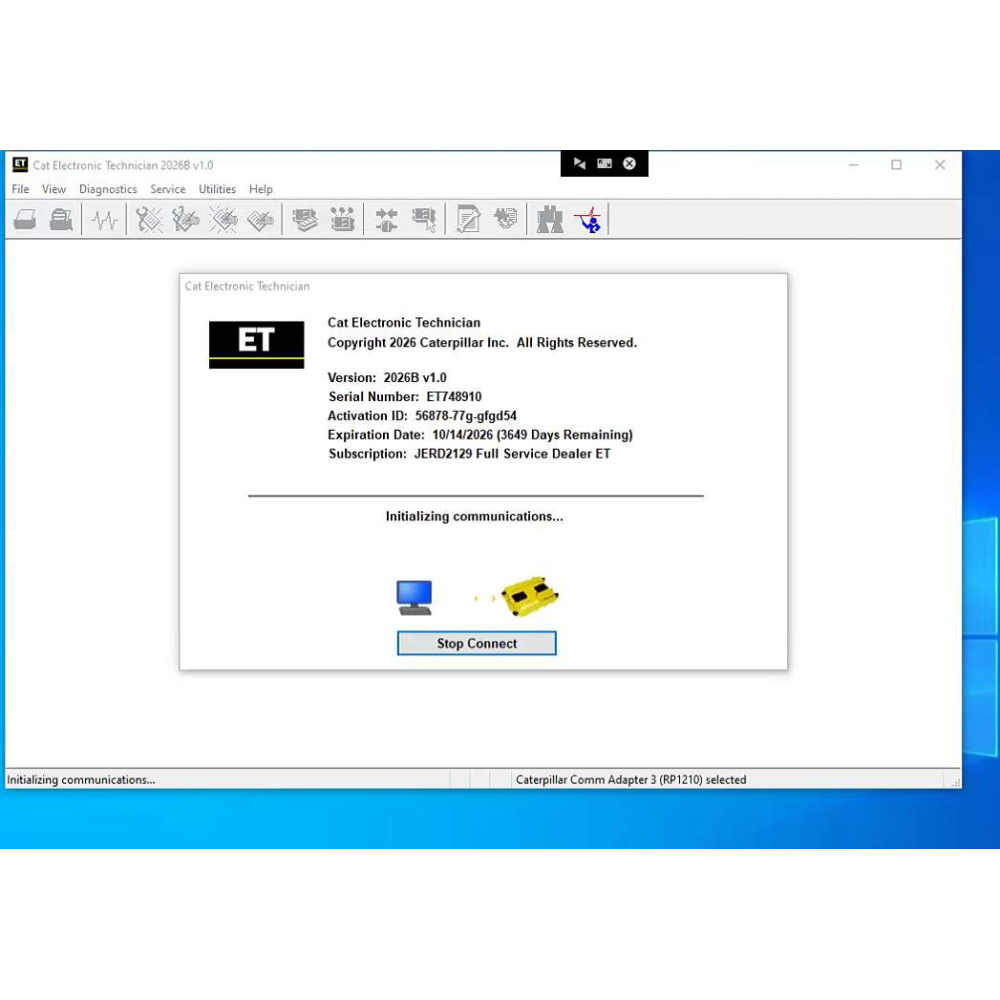
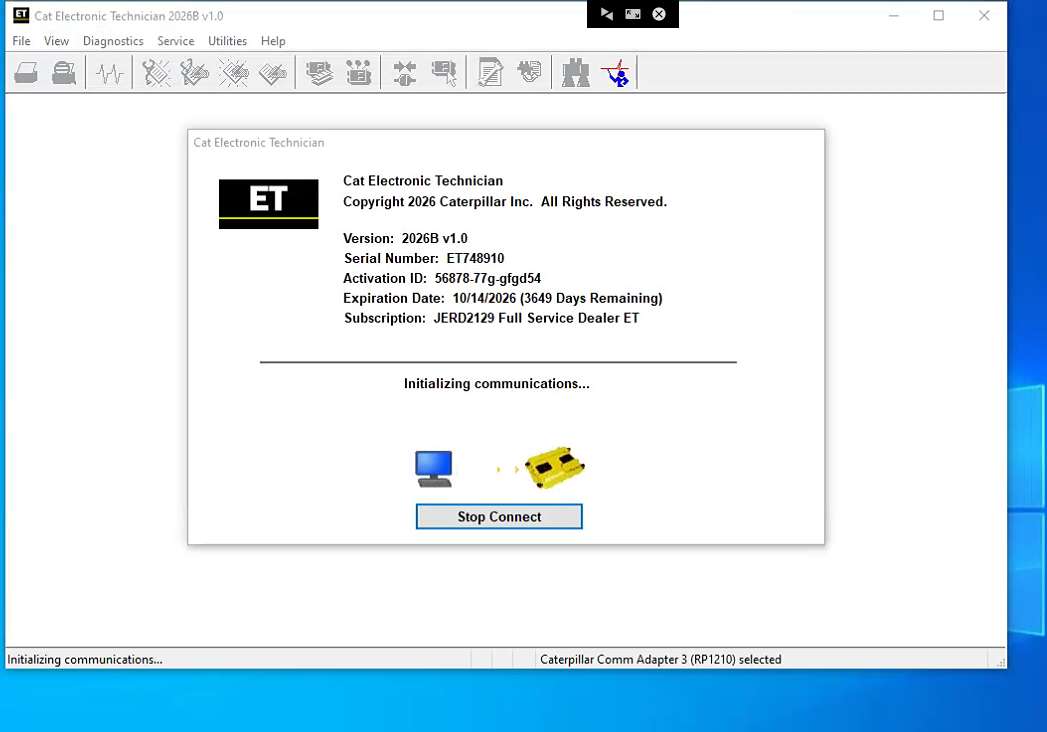
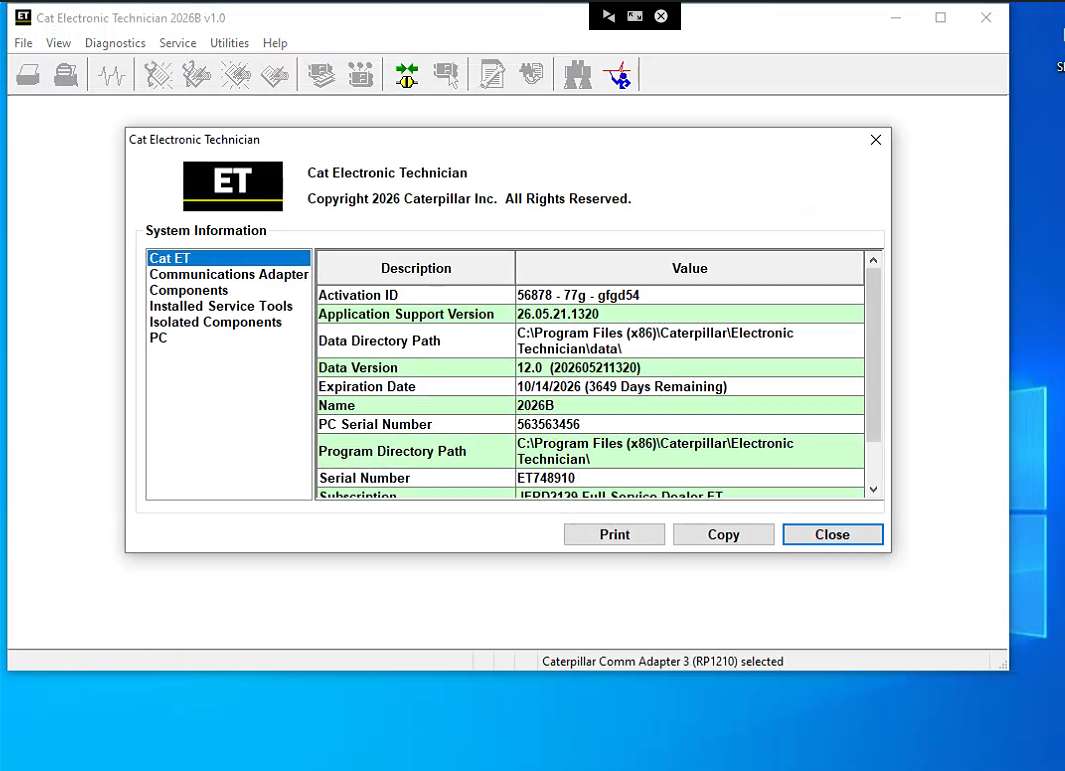
Latest Version Cat Caterpillar ET 2026B Electronic Technician Diagnostic Software With 1 Time Free Activation

In Stock. History 333 sold. Item No. ORD150-4

Buy Now: US$145
October Flash Sale – Shop & Save!
https://www.obdii.shop/category-225-b0-Discount-Items.html

If you have any questions, please do not hesitate to contact us, below is our contact information:
Email: Sales@obdii.shop
Whatspp: +86-13428908617
Skype: Cara02209
Shipping:
Free Shipping Express Shipping Service    Estimated delivery time: 5-7 working days.See details »
Because the covid-19 affects , the delivery time will be have delays , thanks
Weight:
0.0gram
Returns:
Return for refund within 30 days,buyer pays return shipping. Read details »


Product Description


Latest Version Cat Caterpillar ET 2026B Electronic Technician Diagnostic Software With 1 Time Free Activation

Note:
A single payment covers only one-time remote installation and activation service via teamviewer.

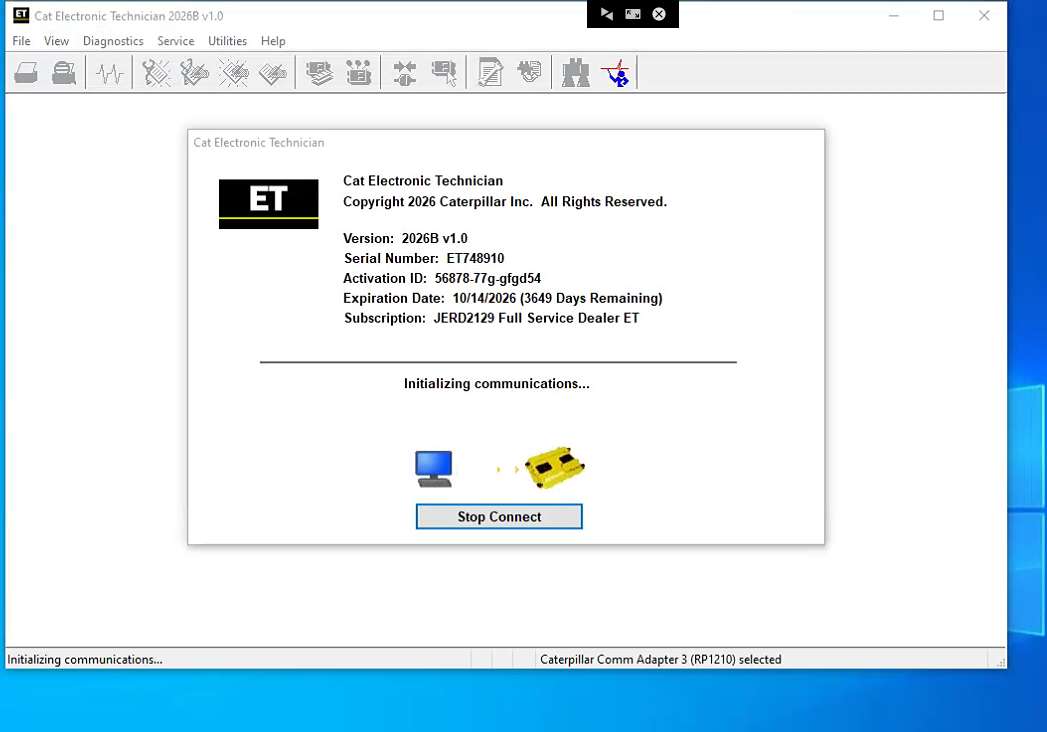
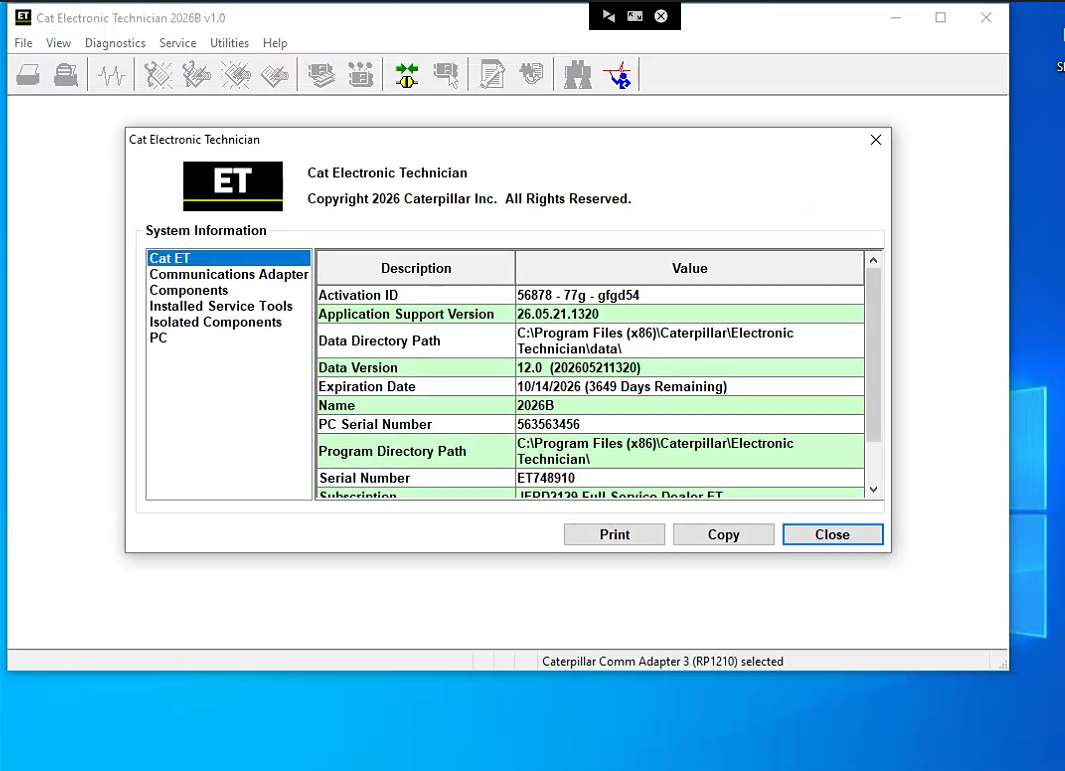
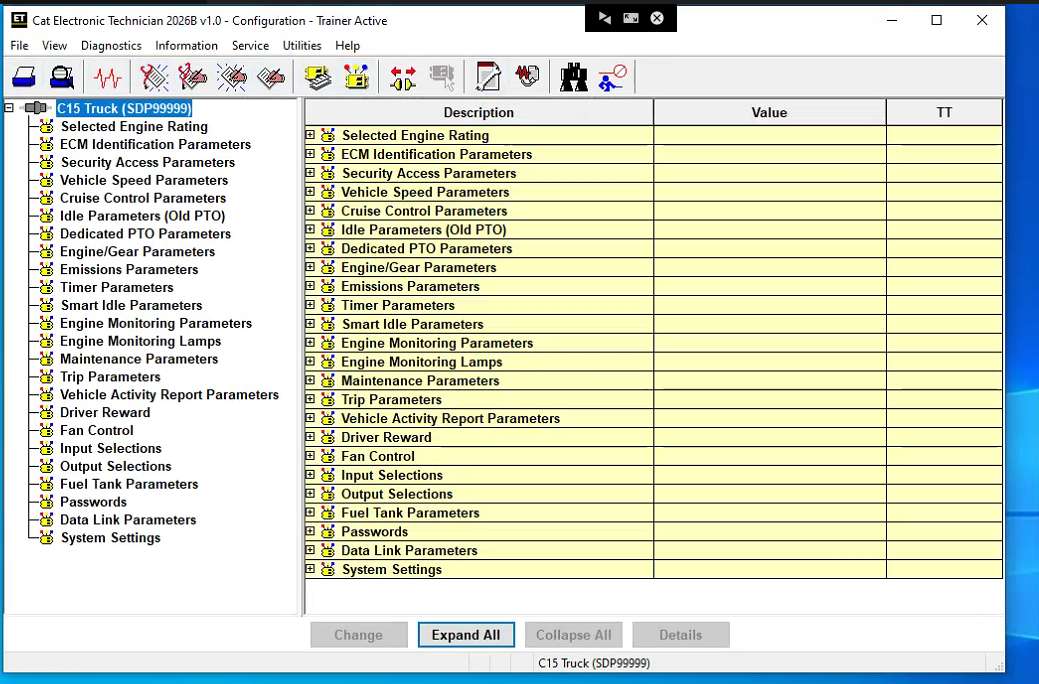
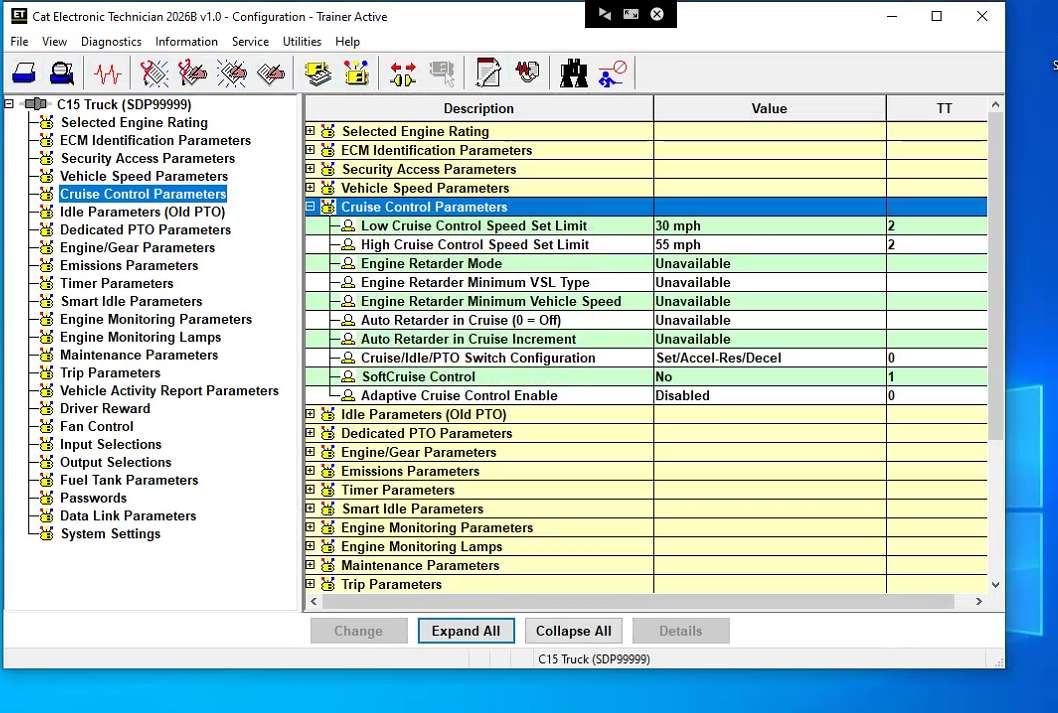
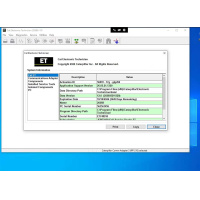
The CAT ET Software 2026B v1.0 software replaces all the previous versions of CAT ET with stability, new driver support features, and a smoother performance with Windows. The Caterpillar program can help technicians diagnose existing and potential problems with their electronically controlled Caterpillar Engines and Machines.

Cat ET 2026B Software download link : :
https://mega.nz/file/ehNTwJaK#j92C-COtx2bga-K9Ias-TyDhnIjKXBGZ6_zjRKkAtBg


Diagnostic Software Caterpillar ET 2026B(replaces CAT ET 2026A, 2025C, 2019C)
[07.2026] :
1.Latest Caterpillar ET 2026B Software to work with CAT/CAT3 Truck Scanner, this software version include the 10 factory password generator,does not contain 18 Digit Factory Password. when you push the ctrl+f2 shortcut button,you can open the 10 bits of password generator.
2.Support Multi-language:English, Chinese, Danish, French, German, Italian, Japanese, Portuguese, Russian, Spanish
3.OS:  Windows 8/8.1 32 bit, Windows 8/8.1 64 bit, Windows 10 32 bit, Windows 10 64 bit, some Windows 11 systems

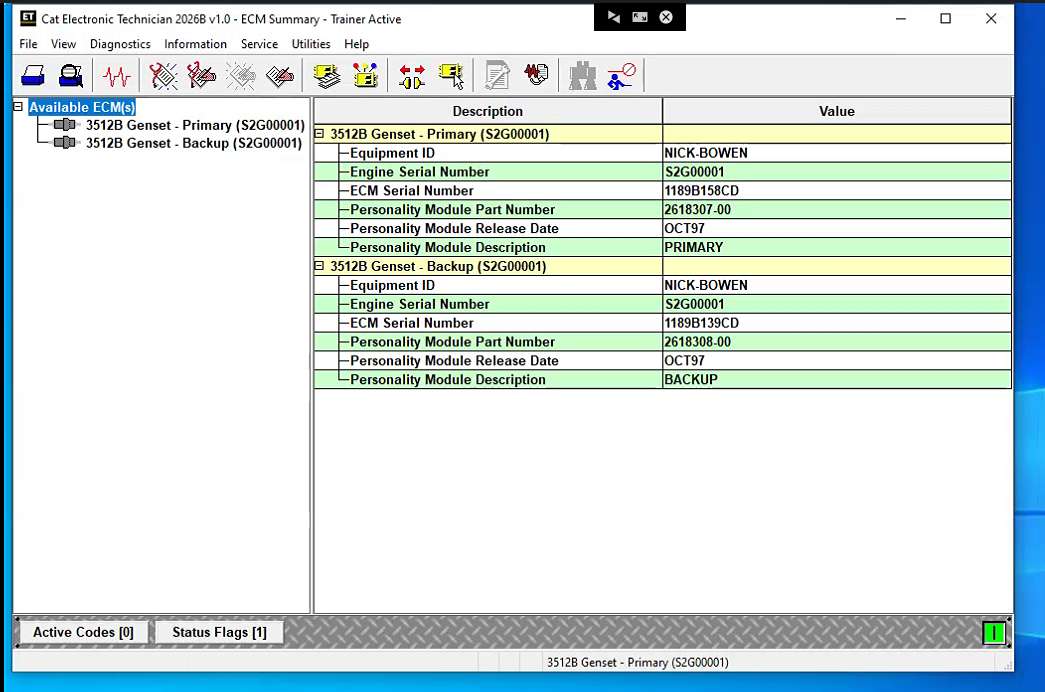
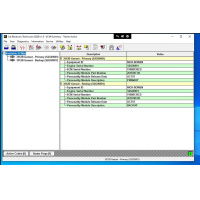
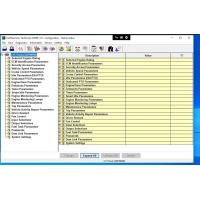
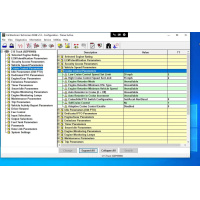
The Electronic Technician is Caterpillar's computer diagnostic software. It communicates diagnoses and services electronically controlled Caterpillar engines and machines. When connected to an ECM, a technician can diagnose existing and potential problems, configure the product, and obtain data for analysis.

If you work on Caterpillar machines, you will definitely use this diagnostic software. The Electronic Technician has all the tools and capabilities you'll need to diagnose and successfully repair your CAT off-road and on-road machines.

To get the vehicle information the Cat ET software must be connected to the Electronic Control Module (ECM). For this purpose, you need a suitable diagnostic link adapter (DLA), for instance, Genuine CAT Comm Adapter III.

The list of supported CAT machines and engines can be found below:
Engines:
Electric Power
Electric Power Generation
Industrial
Marine Power Systems
Oil and Gas

Machines:
Articulated Trucks
Asphalt Pavers
Backhoe Loaders
Cold Planers
Compactors
Dozers
Drills
Excavators
Feller Bunchers
Forest Machines
Forwarders
Harvesters
Hydraulic Mining Shovels
Knuckleboom Loaders
Material Handlers
Motor Graders
Off-Highway Trucks
Pipelayers
Road Reclaimers
Site Prep Tractors
Skid Steer and Compact Track Loaders
Skidders
Telehandlers
Track Loaders
Underground - Hard Rock
Underground - Longwall
Underground - Room and Pillar
Utility Vehicles
Wheel Dozers
Wheel Excavators
Wheel Loaders
Wheel Tractor-Scrapers

PC, Communication Hardware, and Cable Requirements
Potential compatibility issues!
Laptops with ARM CPUs (e.g., Snapdragon 8cx, Microsoft SQ1) are not supported.
As of the 2020B release, the CAT ET service tool no longer supports Windows 7. Installation is possible but not guaranteed to be stable.

Supported Hardware
The following communication adapters are supported:
Caterpillar Comm Adapter 2
Caterpillar Comm Adapter 3
Nexiq USB-Link 1/2/3(for On-Highway only)
RP-1210C Compliant Communication Adapters, such as:
Noregon® DLA+ 2.0 Adapter Kit
Other compliant adapters: Please check with us if your adapter is not on this list.
PC Requirements for CAT ET 2026

Recommended configurations:
PC with a 2.0 GHz dual-core processor
4 GB RAM
5 GB of available hard disk space
12-inch or larger screen, Windows desktop compatible
Microsoft Windows™ 8.1 Professional, Windows 10 Professional, or Windows 11 Pro (Note: Windows 8 RT is not supported)
RS232 port with 16550AF UART or compatible (for use with Comm Adapter II)
USB v1.1, v2.0, v3.0, or v3.1 port (for use with Comm Adapter 3)
Ethernet RJ45 connector (or Wi-Fi adapter)
Built-in pointing device or mouse
Microsoft Internet Explorer version 11, Microsoft Edge, Firefox, or Chrome browsers are recommended.
Note: The most recent version of Microsoft Internet Explorer may not be validated to work with the service tool.
Wi-Fi (for the Wireless Comm Adapter 3)

What's New - Updates by Version
2026B
No significant new features or feature enhancements
2026A
Open Report File Feature Update
New security models no longer allow XML files to be opened in browser windows. The “Report File” function on the File => Open menu now creates an HTML file when an XML file is opened. This restores the ability to open report files created in the service tool in a browser.
2025C
No significant new features or feature enhancements
2025B
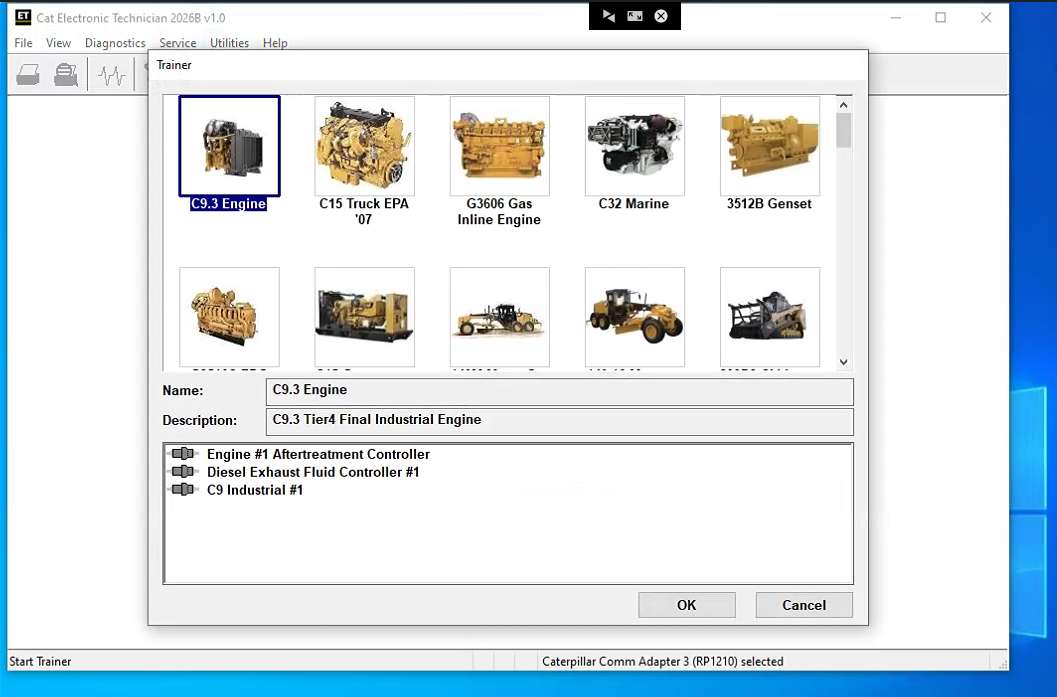
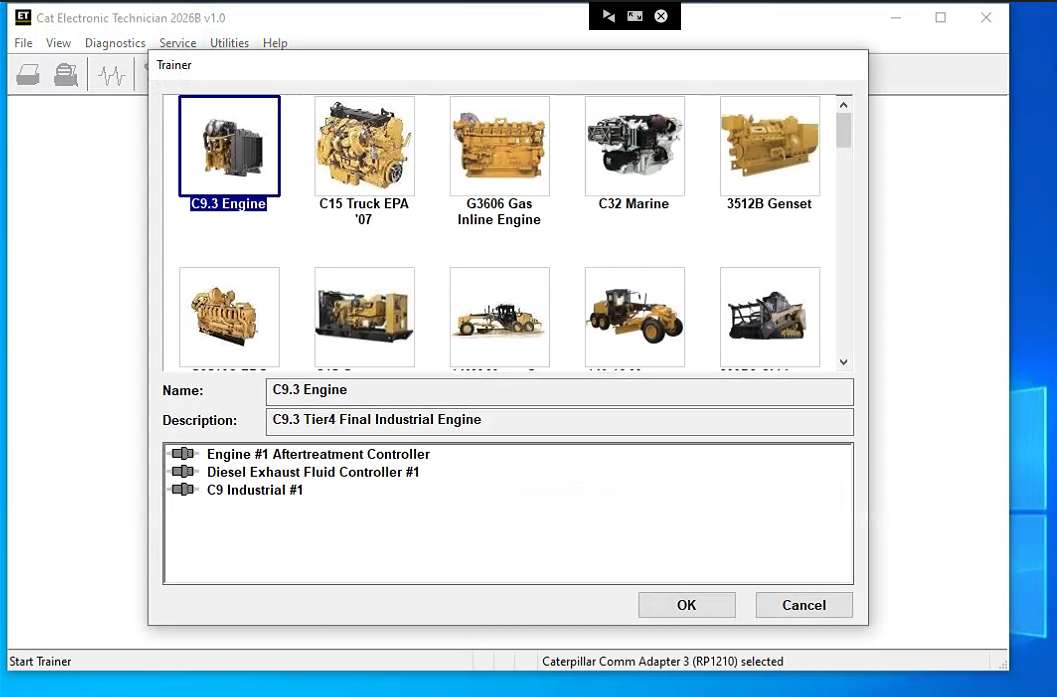
Trainer Update – 140-16 Motor Grader
The 140-16 Motor Grader has been added to the Trainer application.
Trainer Update – 627 Wheel Tractor-Scraper
The 627 Tractor-Scraper has been added to the Trainer application.
2025A
No significant new features or feature enhancements
2024C
Automatic Connection Preferences
Users are now able to change multiple automatic connection preferences for the service tool and WinFlash. After navigating to the Preferences dialog, users may enable the service tool to connect automatically when opened in service and/or flash mode. Both options may also be disabled if the user wishes to connect manually.
2024B
No significant new features or feature enhancements
2024A
Feature Protection System (FPS) Default Browser Update
During flash, a progress bar that tracks the flash progress will display over the service tool application icon on the taskbar. This allows the user to work in other windows or applications without having to switch back and forth to monitor the progress of the flash.
Trainer Update – 995 Large Wheel Loader
The 995 Large Wheel Loader has been added to the Trainer application.
2023C
Flash Progress Bar
The default browser selection options for the Feature Protection System (FPS) have been updated. After installation or upgrade, “Default Browser” will be the default browser selected, eliminating the need for technicians to manually change the setting. Internet Explorer remains a selectable option.

Communication Hardware
Caterpillar Communication Adapter III
Configuring Cat Electronic Technician to use the Communication Adapter 3

For Cat Electronic Technician to work with the Communication Adapter 3, the settings must be changed to select the Communication Adapter 3 as the Communication Interface Device:
Step 1 Start Cat Electronic Technician.
Step 2 Click the Stop Connect button when it appears.
Step 3 Select the Utilities menu.
Step 4 Choose “Preferences > Modify...”.
Step 5 Select the Communications tab.
Step 6 Select Cat Comm Adapter 3 (RP1210) and click OK.
NOTE: Because a growing number of products require multiple data link service, the “Enable Dual Datalink Service” checkbox has been pre-selected.
Servicing ECMs on more than one data link requires this check box to be enabled.
Failure to do this will result in undetected ECMs and reduced functionality.

Package :
1pc x Caterpillar ET 2026B software (Remotely installation )


Please feel free to contact us ,If you have any question:

Email: Sales@obdii.shop
Whatsapp: +8613428908617


Shipping Terms:
a) Items will be sent to all the countries over the world. This package will be sent by DHL, Post, Fedex, EMS or UPS .
b) Items will be checked carefully before sent out.
c) We will use air bubbles to wrap the items carefully.

Shipping Time:
a) Ships within 48 hours on working days after received the payment.
b) The shipping time is about 5-7 days via DHL, UPS, 5-10 days Via Fedex, 7-10 days via EMS, 7-30 days via Post to Worldwide
Note: We hope it arrive on time but since this is an international delivery, shipping time will be highly depended on the courier company and local customs/duties. Thank you for your understanding.

Return Policies:
Returns will be allowed only with prior authorization, and must be made within 30 days after package delivery.
Item conditions that allow returns Brand new Item, returns must include all accessories, Items must include original packaging
Other cases are as follows:
(1) When the item is defective, the item was sent in error, damaged in transit, or otherwise defective,It can not work once you receive it. In this case we allow returns. We bear the shipping cost.
(2) When you buy the wrong item, the item doesn't fit, or you don't want the item, the item you return need to be brand new. you need bear shipping costs.

Contact Us:
Our Email sales@obdii.shop 24 hours 7 days
And if nobody answer you online in time sometimes,do not worry.leave us a message or write down your desires,we will contact you as soon as possible.

Attention: PLZ leave your telephone number and address in detail when you take order in our website, it is very important to ship your order. (Customers from Brazil PLZ leave your Cutsom ID also, thanks!)