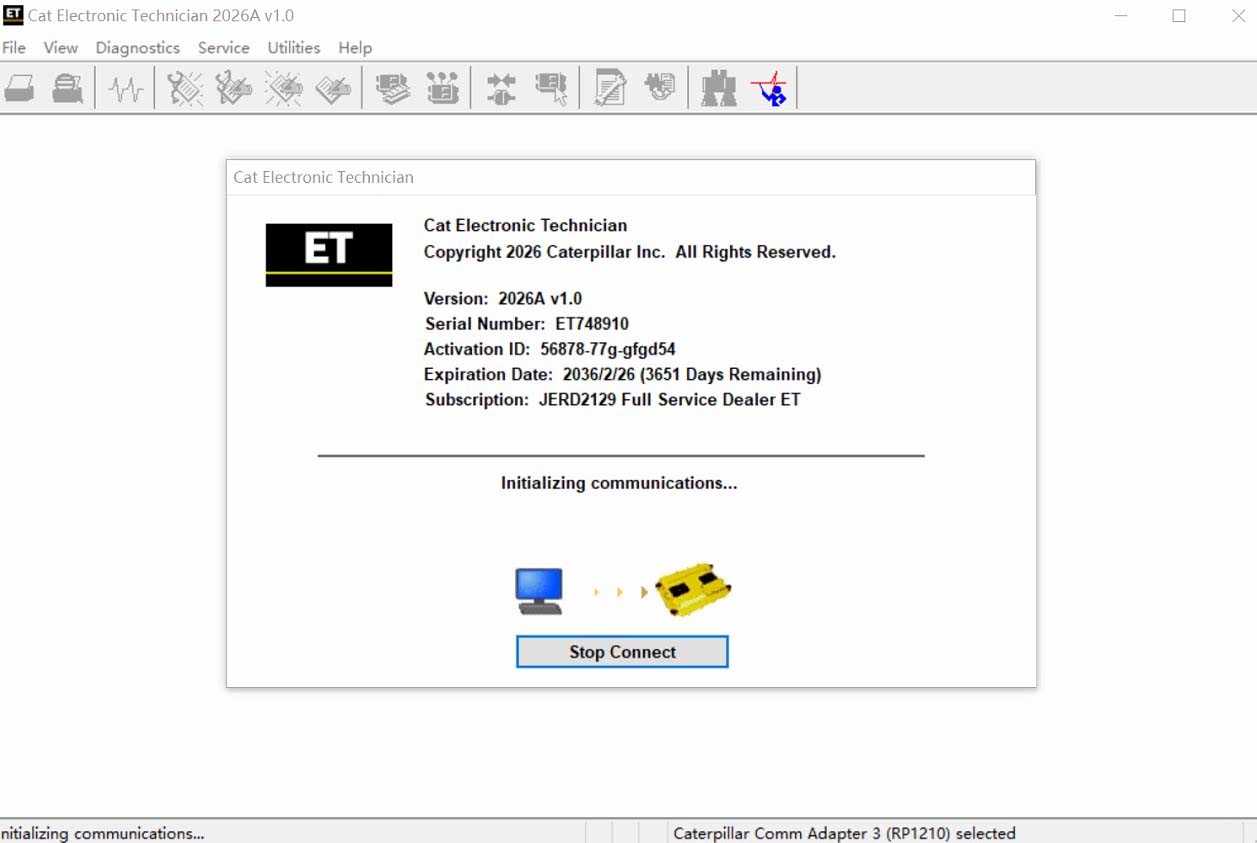
Cat et Caterpillar Electronic Technician Software:
Brand: Caterpillar
Region: WorldWide
Support Multi-languages: English, Chinese, Danish, French, German, Italian, Japanese, Portuguese, Russian, Spanish
Support All cars of CAT
What’s New -2026
Trainer Update – 140-16 Motor Grader
The 140-16 Motor Grader has been added to the Trainer application.
Trainer Update – 627 Wheel Tractor-Scraper
The 627 Tractor-Scraper has been added to the Trainer application.
What’s New -2026
No significant new features or feature enhancements
Error When Launching Service Tool
There is a Microsoft issue with upgrading libraries during an installation involving certain versions of the C++ redistributable. After a successful service tool installation, when trying to run the service tool for the first time, one of the following errors may occasionally appear: “The entry point could not be located in api-ms-win-crt-runtime” or “The program can’t start because mfc140u.dll is missing from your computer.” If either of these messages is displayed, please let us know and we will send you to step by step troubleshooting guide. This procedure requires administrator rights.
Service Tool License Corruption Issues with Windows 10 Updates
Windows 10 updates 1709 and 1803 will corrupt service tool licenses. Future Window 10 updates may do the same
If either of license error messages is displayed, please let us know and we will send you to step by step troubleshooting guide.
What’s New – 2026
Trainer Update – 988K XE Wheel Loader
The 988K XE Wheel Loader has been added to the Trainer application.
What’s New – 2026
Preferences Option to Save a Product Status Report to PDF
The Preferences dialog for the Product Status Report has changed. The dialog contains a new checkbox to automatically save a Product Status Report as a PDF file when the report is created. The service tool will continue to automatically save Product Status Reports as an XML file.
What’s New – 2026
Product Status Report Updates
The Product Status Report has been updated to include certain history features supported by the ECM, such as the after-treatment Regeneration History and the Service Test History.
Winflash Screen Update
The screen for the Winflash feature has been updated A new Expand All button opens all sections of the screen to show all details for ECMs detected by WinFlash.A new Collapse All button hides all sections of the screen, except for header rows showing detected ECM names.